

Finally, a good coding agent for data science
And there's no surprise that it's the RStudio guys who have built this. The key concept - keep "the console" in context - is simple for data scientists but unintuitive to others
I recently concluded a trial of Posit (makers of RStudio)’s AI agent. I used it extensively before I ran out of tokens. I’m currently not doing heavy data science work so yet to buy a paid subscription but here are some quick pertinent observations based on my usage of the product so far.
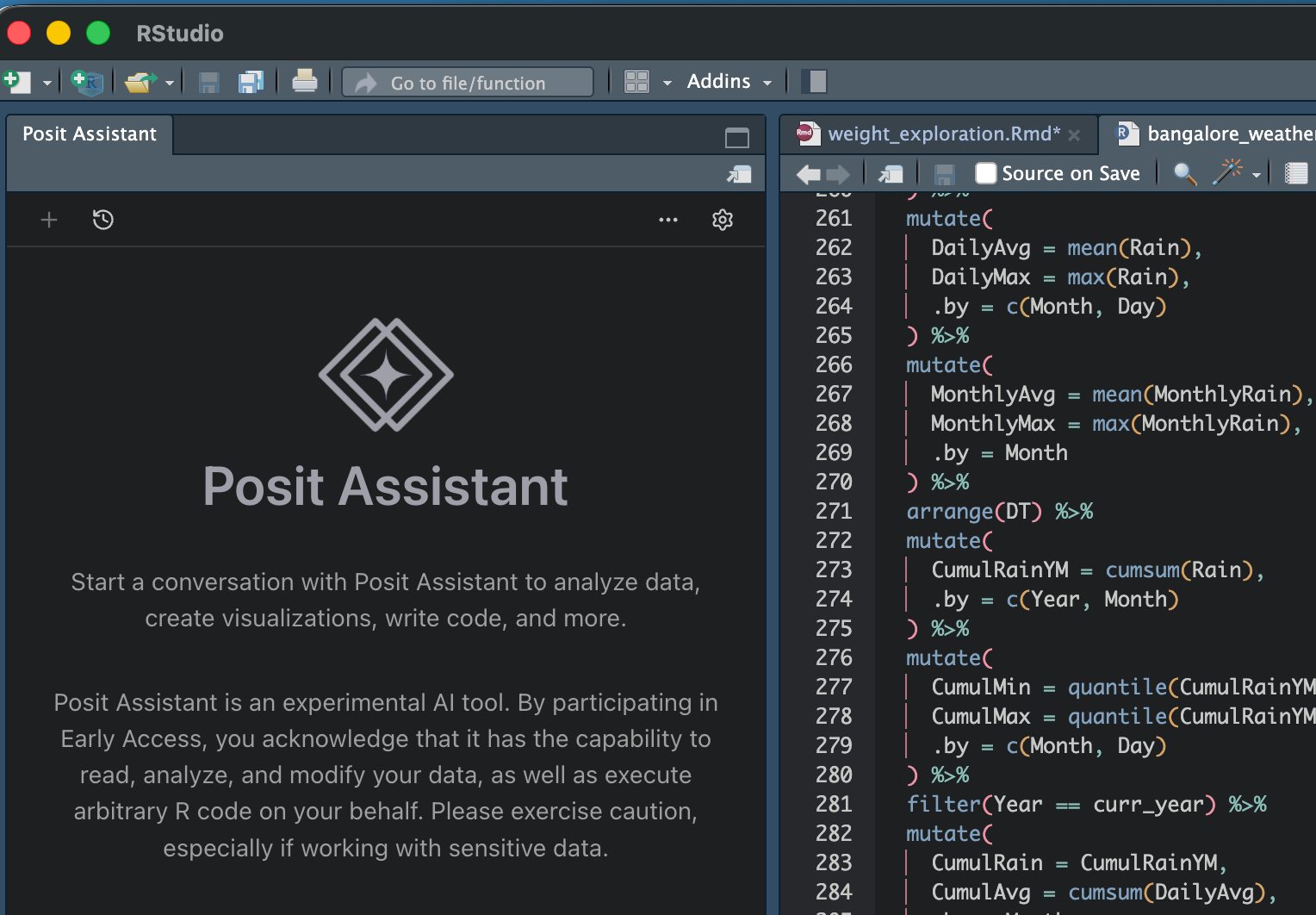
In the past I might have written about my frustrations with using coding agents (Cursor / Claude Code) for data science work. The biggest issue is that they approach data science as a software engineering issue - that the code can be written in one shot.
However, the thing with data science (and why the notebook format - think Jupyter - is so popular) is that it is an iterative process. What code you write depends on what the data looks like. And so for a coding agent to work, it needs to take into context both the code written thus far, and the outputs of the code.
None of the software engineering agents do that - you might highlight a piece of code and ask a question, but only that piece of code is passed as context. While you might have run some earlier cells in the notebook that show what the data looks like, they are not passed on as context, and so the LLM can end up either doing things again, or doing rubbish because it doesn’t have full context.
Posit AI, unsurprisingly built by the makers of my favourite IDE RStudio, takes care of all of this. I don’t exactly know how it does it, but all the outputs that are in the console are fed into the LLM as context, which means that it has full knowledge of the structure and distribution of data in the tables before it recommends any code.
Also, any code it writes is written and tested in the main console itself (not in a separate terminal session, like how Claude Code does), which means that you can just execute that little chunk that it wrote, without bothering to run the whole program until then (which is pretty much what you need to do if you’re running from terminal). The outputs of such testing are also available in the console (or plot window, or variable explorer), which makes it rather easy to go back and forth between human and computer programmers.
Posit AI also has autocomplete (like Cursor), but I have stopped using that feature in general after I switched from Cursor to Claude Code, so I didn’t test this.
The product is still buggy (another reason I haven’t got the paid version yet) - sometimes it just doesn’t do anything. It leverages Claude Code under the hood, but there is no option to put in your own API key - you need to go to claude through Posit AI only - which can be a bit annoying. Maybe that’s also a way for them to protect their underlying code (which is not open source), but not having control on your spending is a bit of a bummer. I’ll test this out again once I get a commercial license - which is whenever I do heavy data science work next.
That apart, this is a great product. In a sense, only people with a data science background could have built this, but that apart the key concept (keep the “console” in context) is rather simple, and I expect some of the larger coding agents (Cursor / Antigravity) to also ape this soon enough.
In any case, the next time I’m doing some commercial data science work, I’m sure to use this!